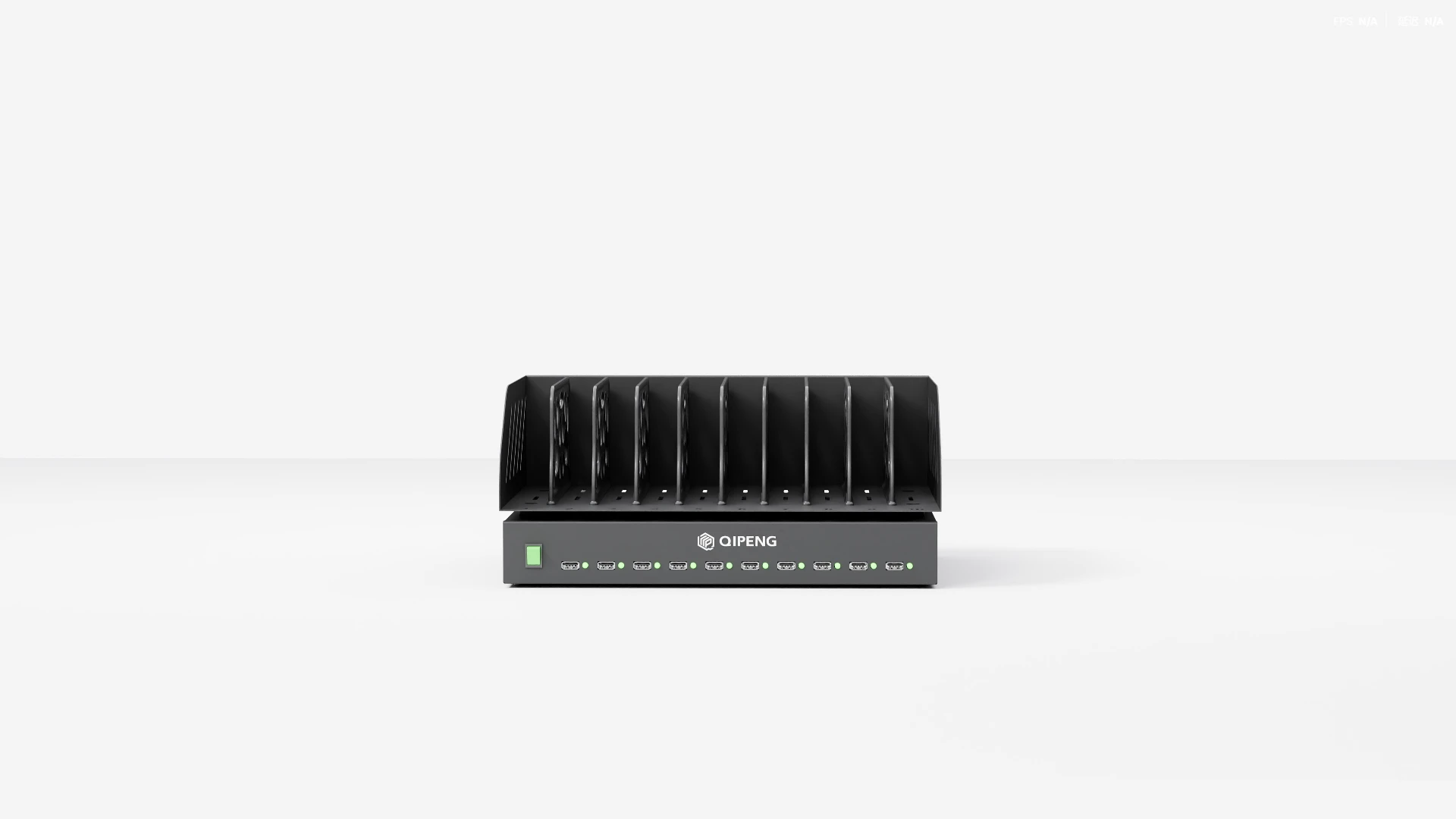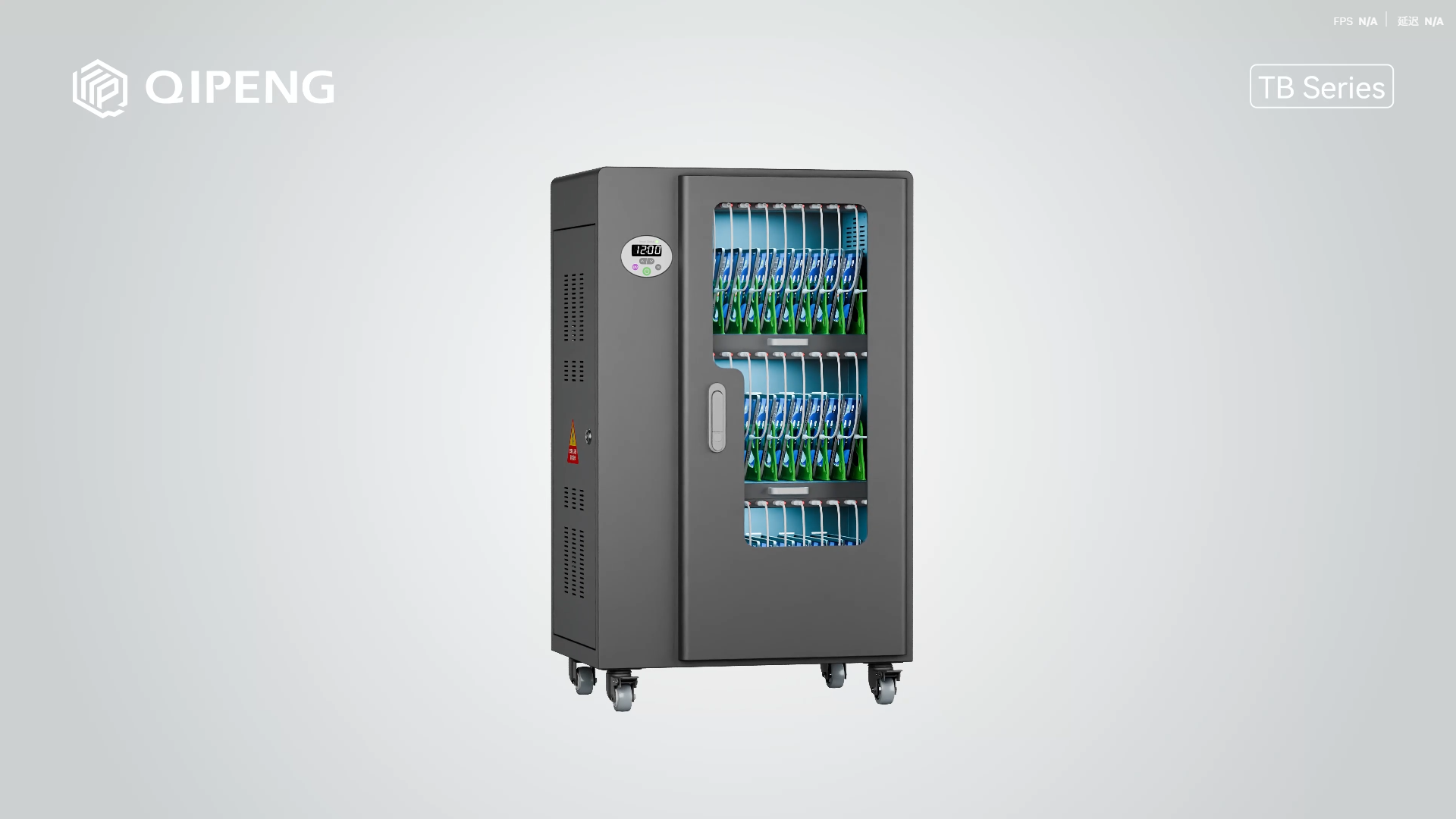
Short answer: To choose a charging cabinet for 30 tablets, pick a 30-bay model that matches your tablets’ charging interface (USB-A, Type-C or magnetic), then add the features you actually need: UV-C disinfection, data sync, mobility or wall mounting. Qipeng offers five 30-bay options: QP-R30MS, QP-R30PD, QP-R30TB, QP-R30SYNC and the wall-mounted QP-R30SP.
Which charging cabinet for 30 tablets fits your needs?
| Model | Port type | Output | Rated power | Key feature |
|---|---|---|---|---|
| QP-R30MS | Magnetic (30 receivers supplied) | 5V/2.4A | 400W | For 8 to 11 inch tablets, one-touch magnetic connection, UV disinfection |
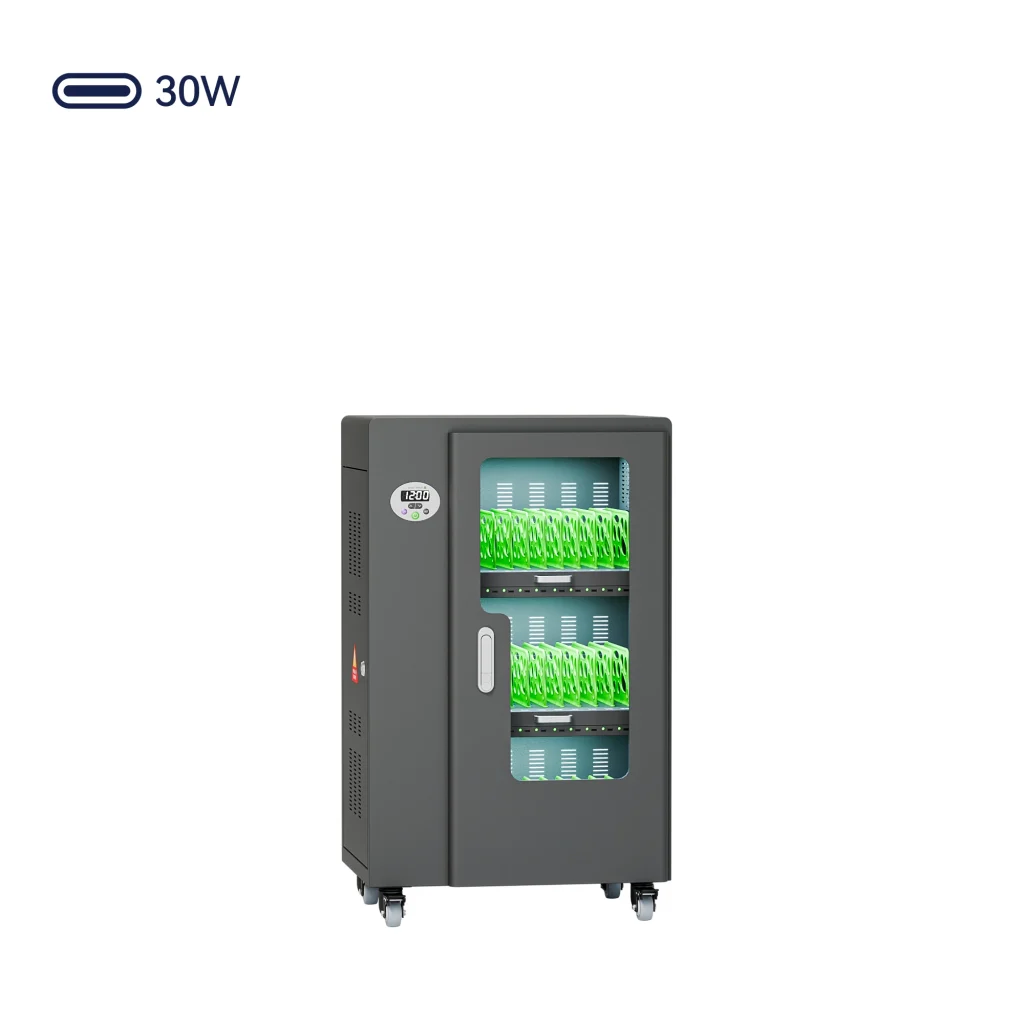
| QP-R30PD | Type-C PD | 30W per port | 1800W | Fast charging at full load, UV-C with auto-off when the door opens |
| QP-R30TB | USB-A | 5V/2.4A | 400W | Quick-release dividers for different thicknesses and cases, UV-C timer |
| QP-R30SYNC | USB | 5V/2.4A | 400W | Charging plus data sync for batch device management, UV-C |
| QP-R30SP | USB | 5V/2.4A | 400W | Wall-mounted, 11.5 kg, electronic password lock |
The four floor-standing models share the same footprint of 556 x 400 to 460 x 920 mm and weigh about 44 kg net. The SP is wall-mounted at 460 x 220 x 505 mm.
Step 1: Check how your tablets charge
If your tablets charge over Type-C and you want fast charging, the QP-R30PD gives each port up to 30W on an independent circuit. If your devices use USB-A cables, the TB, SYNC and SP use 5V/2.4A ports. For 8 to 11 inch tablets with magnetic receivers, the MS uses a one-touch magnetic connection and includes 30 receivers.
Step 2: Decide whether you need data sync
The QP-R30SYNC connects to a computer over USB so you can manage devices in batches: install or uninstall software, update the system, transfer files and reset data. If your tablets only need charging, a standard model is simpler.
Step 3: Check device size and protective cases
Measure your largest tablet with its case and compare it to the slot size. The TB and SYNC have slots of 310 x 27.5 x 212 mm, and the TB has quick-release dividers so slot width can be adjusted for thicker cases. The SP has smaller slots of 170 x 20 x 120 mm, so confirm your devices fit before choosing it.
Step 4: Plan the power supply
Rated power matters for the room’s electrical circuit. The QP-R30PD is rated at 1800W because all 30 Type-C ports can deliver 30W at once, while the MS, TB, SYNC and SP are rated at 400W. Check input voltage as well: the PD and MS are 220V, and the SYNC and SP support 220V or 110V. Ask a qualified electrician to confirm the outlet and circuit before installation, especially if several cabinets share one circuit.
Step 5: Hygiene, safety and security
- UV-C disinfection: built into the MS, PD, TB and SYNC. On the PD and SYNC the UV light turns off when the door is opened.
- Circuit protection: overcurrent, overvoltage, grounding and overtemperature protection, with independent port circuits so one faulty port does not affect the rest.
- Cooling: the PD and SYNC start a cooling fan automatically when the cabinet reaches 45 degrees C.
- Locks: key or mechanical locks on the floor-standing models, and an electronic password lock on the SP.
Step 6: Mobile or wall-mounted?
Floor-standing models have silent casters (some with brakes) and handles, so you can move them between classrooms. At about 44 kg, plan a flat route and make sure elevators and doorways are wide enough. If floor space is limited and the charging point is fixed, the wall-mounted SP saves space. Make sure the wall can carry the cabinet and the devices.
Quick recommendations
- Shared classroom set with Type-C tablets: PD series.
- 8 to 11 inch tablets, simple cable-free docking: MS series.
- Tablets in thick cases, or mixed device sizes: TB series.
- IT-managed devices needing batch updates: SYNC series.
- Fixed charging point with limited floor space: SP series.
Buyer checklist
- Count your devices, and leave room for growth. Qipeng cabinets range from 10 to 65 bays.
- Confirm the charging port type: USB-A, Type-C or magnetic.
- Measure the largest device with its case against the slot size.
- Decide whether you need data sync.
- Check rated power and input voltage against your electrical supply.
- Choose mobile or wall-mounted.
- Decide whether UV-C disinfection is needed.
- Choose the lock type.
- If you need a custom logo or configuration, see OEM/ODM.
Frequently asked questions
Can one cabinet charge phones and tablets together?
Yes, as long as each device fits the slot. The PD, TB and SYNC product pages list both phones and tablets as compatible devices.
Do all ports charge at full speed at the same time?
The QP-R30PD uses independent circuits with no power sharing between ports, and the QP-R30TB delivers a consistent 5V/2.4A on all 30 ports at once, even under full load.
Can I order a customized version?
Yes. Qipeng supports OEM/ODM, including customized logos and configurations. Contact us with your device list and quantity.
Not sure which model fits? Send us your device list or browse the full product shop.